
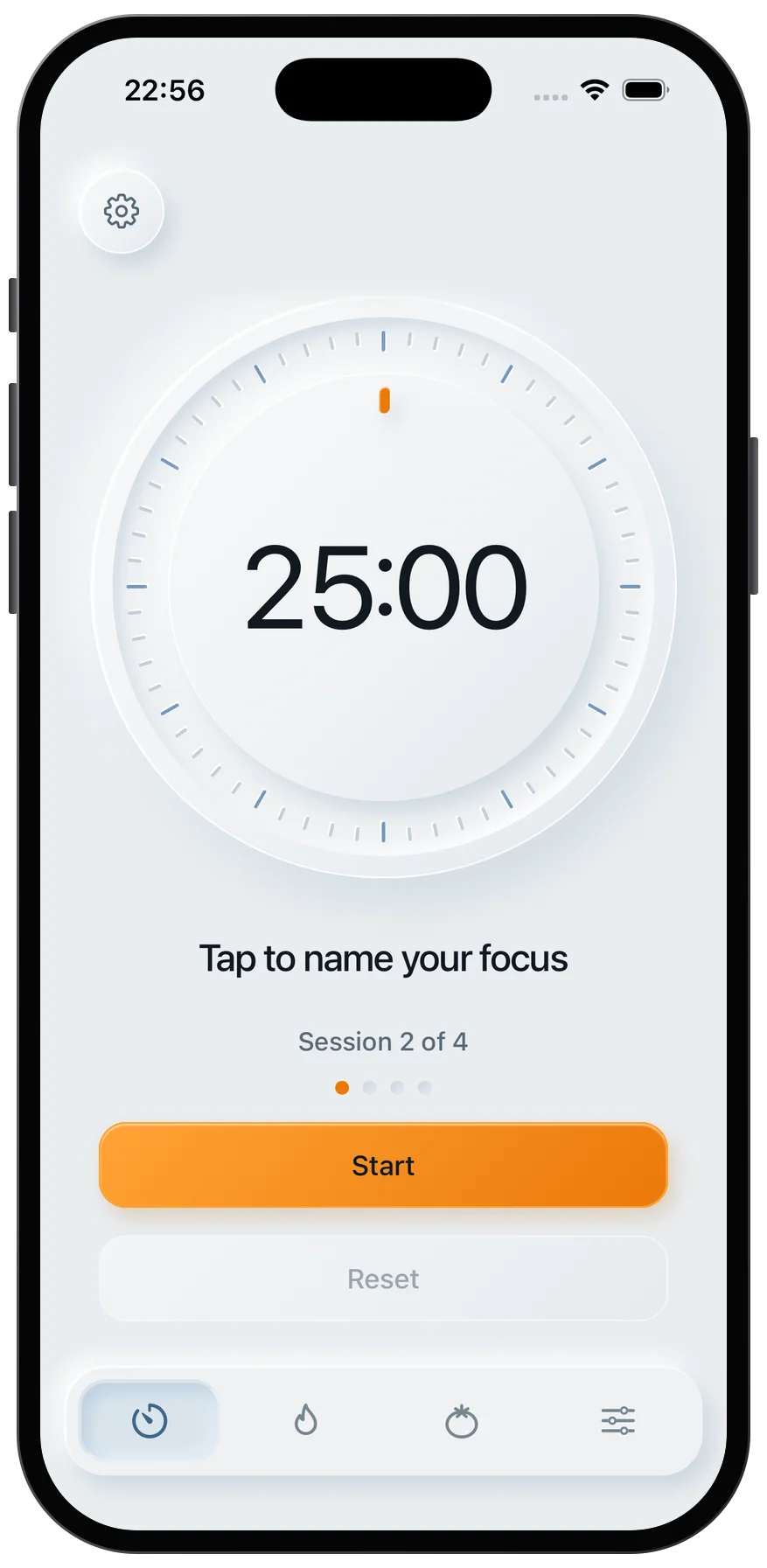
I’d start by choosing one result you can check, rather than putting the whole project on your to-do list. Write what “done” means for that step, then set a Pomodoro timer for your first session. If the step seems too large, split it before you begin.
A 25-minute timer is the classic starting point and Quiet Pomodoro’s browser default, not a rule; you can adjust the interval to fit your task. Hypothetical example: for an essay, your first target could be an outline for one body paragraph - not a finished draft.
When the session ends, I’d note what’s finished and the next action, then take a break. Use that record to revise your remaining plan instead of expecting every step to fit your first estimate.
The Pomodoro Technique - Study And Productivity Technique (animated)
Plan Work in 25-Minute Steps
Turn your intended result into a plan with one checkable output per Pomodoro: Define → Split → Sequence → Focus → Review → Adjust. Start with a 25-minute timer, then take a 5-minute break. After four focus sessions, take a longer 15- to 30-minute break. Treat session estimates as starting points, not guarantees.[6][2]
Twenty-five minutes is the classic Pomodoro starting point and the timer’s default, but you can adjust the intervals to suit your task.
Define the Result and List the Stages
Write the finished result and deadline in one sentence. Then list the stages: research, drafting, review, and delivery.[3]
Example: For a client presentation, define the result as a finished deck that supports one specific decision - not “work on slides.” Put evidence gathering before drafting, and review before delivery.
Give each stage one action that fits a session.
Set an Output and Completion Test for Each Step
Give each step a visible output and a clear stopping point.
“Research” is too broad; “search for 3 case studies” is checkable.
If a step seems unlikely to fit 25 minutes, split it before you start.[2][4] This example separates research and drafting into individual session targets:
Scroll sideways to see all columns.
Stage Session-sized action Expected output Estimated Pomodoros Next action Research Search for 3 case studies List of 3 URLs/PDFs 1 Summarize study 1 Drafting Write the problem statement 200 words of draft 1 Outline solution Review Proofread for clarity Marked-up draft 1 Export and send the deck Delivery Export and send the deck Sent deck 1 Done
With the stages mapped, choose the first action you can start now.
Choose a Ready Action and Start the Timer
Pick an action you can do with the materials you already have. Write its expected output before starting, close unrelated tabs, and keep paper nearby to jot down distractions without following them.
Use the timer you already have open. Keep its tab open and your device awake so sleep mode doesn’t stop alarms.[6][5]
When the timer ends, record what you finished and leave a short continuation note.[3]
next: verify source two.
If you finished only part of the target, name what remains and revise its estimate instead of carrying forward the same broad task. Take your planned break, then choose and start the next session.
Break Down Study, Essay, and Presentation Tasks
Give each 25-minute Pomodoro one clear output, whether you’re studying a chapter, drafting an essay, or building a presentation. The counts below are planning estimates, not deadlines. Dense or complex material may need more sessions.
Twenty-five minutes is the classic Pomodoro starting point and the browser default, but you can adjust the interval to fit your task.
Study a Chapter With Reading and Recall
Plan separate sessions for reading and recall so each has a clear goal.
For one chapter, use 1 session to preview headings and build a one-page chapter map with questions; 1 to read and annotate one section; and 1 to turn that section into a review sheet or 10 recall cards. Repeat those two sessions for each remaining section. Then use 1 session to self-test, creating a missed-concept list, and 1 to fix gaps, creating updated notes and a next-study list. A chapter with three sections starts at 9 Pomodoros.
For a dense chapter, narrow the reading target to a page range, such as pages 20–25, and give five recall questions their own session.[2] Keep background research separate: set aside one session to write a brief, sourced explanation of one unfamiliar term.
When you self-test, answer from memory before reopening your notes. Write down exactly what you couldn’t explain.
Draft an Essay, Then Revise and Proofread
For a short essay with three supporting reasons, use 1 session each for the requirements checklist, thesis with 2–3 reasons, and paragraph outline; 1 research session per reason, each producing source notes and evidence; 1 drafting session per 1–2 body paragraphs; and 1 session for the introduction and conclusion. Three body paragraphs drafted in separate sessions take 10 sessions before revision; add 1–2 revision sessions - logic first, flow second if needed - and 1 proofreading/formatting session: 12–13 total.
Keep drafting and editing in separate sessions. If your sources aren’t ready to use, add a session to pull out the evidence and notes you need before drafting that paragraph.
Build a Presentation in Clear Stages
For a 10- to 15-slide work presentation, use this plan. Each output gets its own Pomodoro; settle the message before adjusting fonts or layouts. Start at 9–11 Pomodoros.
If the material is dense or sources are hard to find, divide a stage into smaller outputs. If rehearsal takes longer than one block, split it into timed sections. Check that each stage has a finished output before spending time on design details.
Scroll sideways to see all columns.
Presentation stage Session output Typical estimate Completion test Takeaway One-sentence core message and call to action 1 One clear call to action is defined Audience needs Brief listing of key questions and concerns 1 Each concern has a planned response Outline Ordered slide titles 1 The narrative arc is visible Evidence Sourced facts for key claims 1–2 All claims have supporting data Rough text Text for 5–8 slides 1 per batch Key bullet points are written Deck building Laid-out deck; consistency pass if needed 1–2 All slides are readable and visually consistent Rehearsal Timed run-through notes 1 Presentation fits within the time limit Finalize Ready deck and speaking plan 1 File is exported and cues are written
Plan Breaks and Update Session Estimates
Limit Distractions and Set Boundaries
Keep an interruption list beside your work. When an unrelated thought comes up, write it down and return to your task. After each focus session, take 5 minutes to stand, stretch, or get water. Leave social media and email closed. After four sessions, take a 15–30-minute break and set a clear time to return. [1][3][4][6]
These boundaries help you end each session without drifting into another activity.
Record What You Finished and What Comes Next
At the end of each session, note what you finished, what needs attention, and your next physical action. Include any gaps, errors, or unfinished pieces. Make the next step specific, and split unfinished work into smaller pieces before restarting. If you finish early, check your output or prepare the next step. [3][4][6]
Use this record to update your estimate based on actual progress rather than guesswork.
Recalculate Sessions From Actual Progress
Compare what you planned to finish with what you completed. Keep estimates that still fit, split steps that took longer than expected, and combine only small, related actions that clearly fit one session. Use what you learned to estimate the next similar task. [2][3]
Example: If two remaining research steps now need 2 sessions each instead of 1, and three drafting steps still need 1 each, the remaining estimate goes from 5 sessions to 7. Allow 3 hours, 35 minutes for seven 25-minute sessions, five 5-minute breaks, and one 15-minute break.
Adjust the session length when needed. Try 10–15 minutes for error-prone work or 40–50 minutes for work that takes time to set up, then reassess your output and fatigue. [2][3][4]
Conclusion: Start With the Smallest Useful Action
Choose one output you can check when the session ends. Take brief breaks, then adjust your remaining plan based on what you finished.
Write down what you’ll finish in the next 25 minutes and start the timer. If you need a distraction-free tool, you can get early access to Quiet Pomodoro for your next session. If the task feels too large, split it into smaller parts. Use one clear output and one timed session to make a better estimate for your next step.
FAQs
How do I plan sessions for unpredictable tasks?
Keep your plan flexible. Start with one small step, such as outlining a section or reviewing five items. If the task feels daunting or you’re unsure where to begin, try a 15-minute session.
During breaks, check your progress and energy, and consider whether the session length fits your task. If you often stop mid-problem or feel stuck, shorten the next session or break the task into smaller steps. Treat interruptions as feedback: simplify tasks that pull your attention away or adjust your workspace to reduce distractions.
What if an interruption derails my Pomodoro?
If an interruption can wait, jot it on a list to handle later, then return to your task. If it needs attention now, pause or reset the timer. Resetting isn’t a failure. Note what happened, put your workspace back in order, and start again when you’re ready.
If interruptions happen often, try a smaller task, a different workspace, or a focus interval that fits your needs.
How can I fit Pomodoros around a tight deadline?
Prioritize your remaining work and split large tasks into small, concrete actions, such as drafting one section. Choose an outcome you can realistically finish in each session.
Start with a 25-minute timer - the classic Pomodoro starting point and the browser default - or try 15 minutes if getting started feels daunting. Adjust the length to fit your task, and shorten sessions if your focus or accuracy drops.
Before each break, write down your next step so it’s easy to pick up where you left off. Use breaks to rest your attention rather than add distractions.