

A pomodoro timer for your Mac menu bar
Pomodoro lives in your Mac’s menu bar and turns your to-do list into focus blocks and breaks, fitted around your meetings.
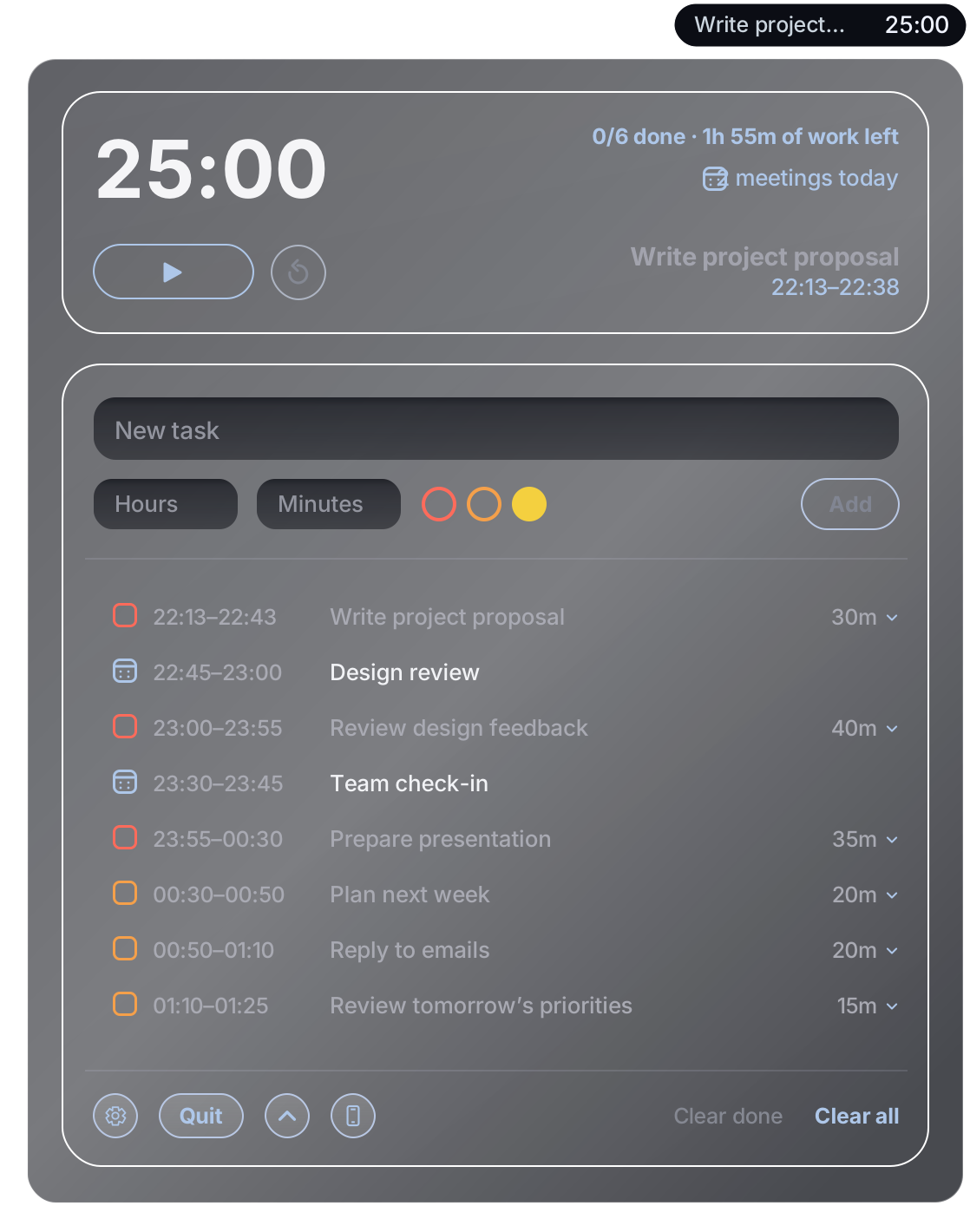
Add all your tasks for the day
Add each task and how long you think it will take.
Add a priority to each task with one click
Choose red, orange or yellow to mark how urgent each task is, then click Add. Pomodoro puts the most urgent tasks first.
We work out the intervals
Pomodoro splits your tasks into focus blocks, with short breaks between them and a longer one after every fourth. Click a task to see its individual blocks.
We fit our timings around your schedule
You connect your calendar and we work out the rest using your Mac calendar (iCloud, Google, Outlook, Exchange and more).
Keep your timer close
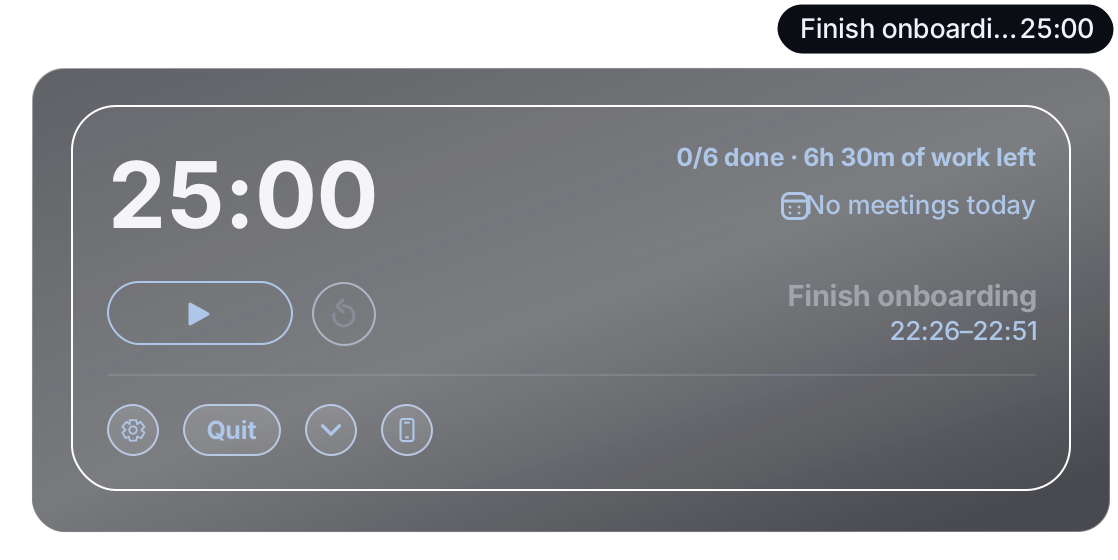
Fold away the task list to keep just the timer and controls open. Your current task and time remaining stay in the menu bar.
Features
- Tick tasks off like a to-do list. Finish early and the next task moves straight into your time.
- The time left on your current block is right there in the menu bar, with a heads-up when a meeting is about to start.
- Start, pause or reset in one click, or jump straight to any block.
- Set your own block and break lengths and when your day starts.
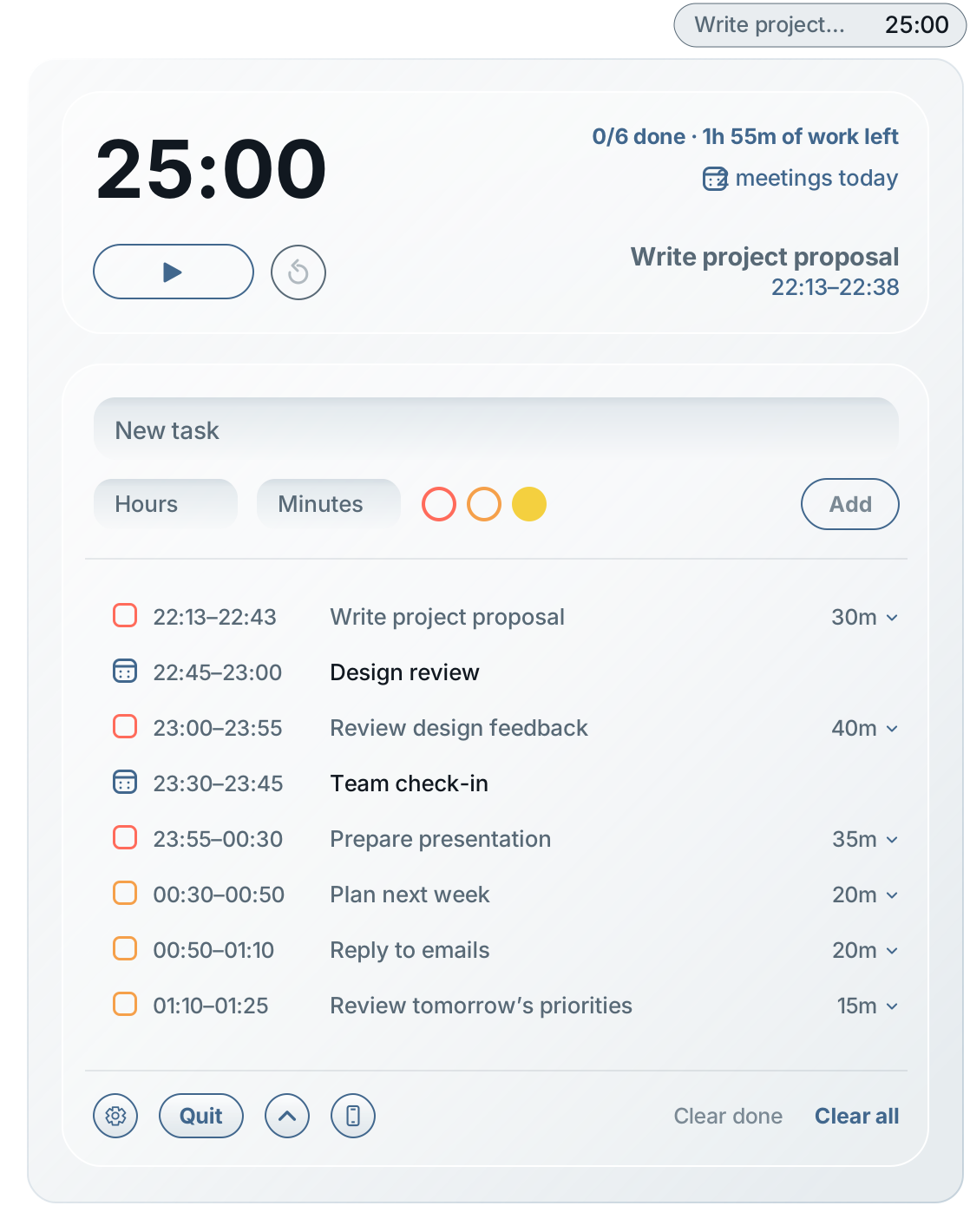
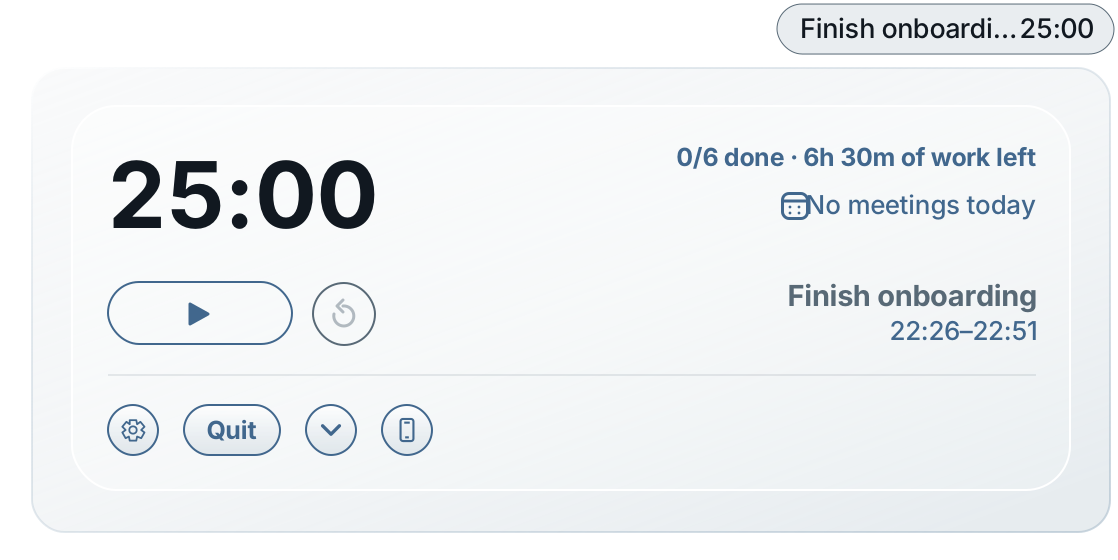
- Built for macOS, in Light and Dark mode.
Installation
- Open Pomodoro-1.7.6.dmg from your Downloads folder.
- Drag Pomodoro into the Applications folder.
- Open Pomodoro from Applications. If macOS asks whether you’re sure you want to open an app downloaded from the internet, choose Open.
Good to know
Pomodoro for Mac
Free. For macOS 14 Sonoma or later, on Apple silicon and Intel.
Is it private?
No account, no analytics, no advertising and no tracking. Your tasks and settings stay on your Mac. Calendar access is optional, and your events are read on your Mac and never sent anywhere. Read the Mac menu bar privacy policy.
The Mac menu bar is separate from the free browser timer on this site. Tasks you add in your browser stay in your browser.
Need help?
Installing, calendar access, updates and uninstalling are covered on the Mac menu bar support page. You can also email michael@codemoore.com.
Who makes it?
Made by CODE MOORE LTD. Updated .